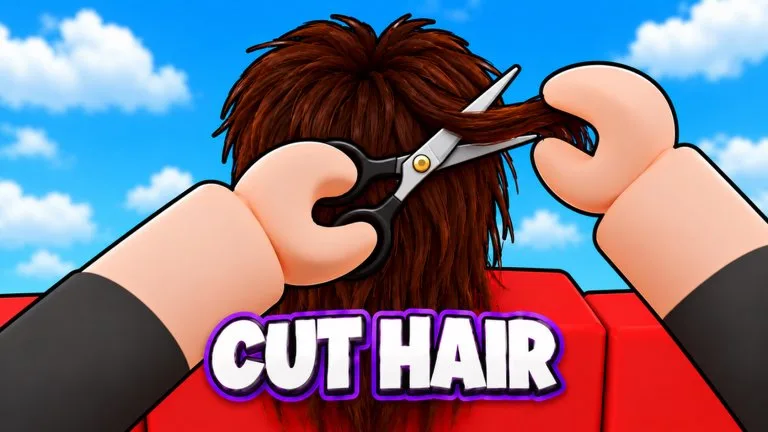
Photo first
Every listed style is judged against the customer photo: fades, buzz cuts, mohawks, mullets, and beards. Three stars means the photo matches. The rainbow star is the secret result above that. The game does not publish a numeric score table, so use the in-cut photo as the only target.
Split the head before you pick a tool:
- Top length
- Sides and fade
- Nape and neckline
- Beard, mustache, or clean cheeks
If the photo includes color or a washed finish, dye and wash are part of the requested look, not optional flair. The official feature list names cut, shave, dye, and wash together.
Tools and what they are for
Clippers take bulk off short zones and build a fade. Use light passes. One deep line leaves a step that the photo will not match.
Scissors set shape on longer hair: a mullet's back, a mohawk's strip, or a fringe that still needs length. Do this before a razor removes the outline you still need.
Razors clean edges, cheek lines, and beard borders. They are the last tool on a zone, because they remove the most precise hair.
The listing also says "and more." Extra tools on your hotbar should be read from the in-game names. This page does not invent hotkeys.
A safe order
- Study the photo.
- Remove bulk with clippers only where the style is short.
- Shape longer sections with scissors.
- Blend the fade with more light clipper passes.
- Razor the outline and beard.
- Dye or wash if the photo shows that finish.
- Orbit the head and compare both sides before you complete the customer.
When a cut looks wrong
Uneven sides usually mean the camera never showed the second side. A harsh fade usually means one heavy clipper pass instead of several light ones. A failed beard usually means the razor ran before the cheek line was compared with the photo.
Rare customers are described on their badge as picky and as paying double when they like the cut. Slow down on those photos. Do not use them as the first style you have never practiced.
Free Mode
The 67 Studio Games group announced a Free Mode switch that lets you cut without following the guidelines. Use the guided photo when you want stars. Use Free Mode when you want to practice a shape without the guide overlay. The announcement did not name the button's menu path, so follow the label in your current build.